
Download ListPro for Windows – Productivity, Task Management, Customizable Templates, List Exchange, Free Trial
Overview
ListPro for Windows is a productivity-focused utility designed to streamline task and project organization through customizable list-making. The app addresses common challenges associated with disorganized workflows by offering a structured yet flexible environment for creating, managing, and sharing lists. It is ideal for individuals seeking to improve personal efficiency, students managing study schedules, and professionals handling project timelines.
The software supports a wide range of use cases, from grocery shopping and event planning to complex project tracking and team collaboration. While the developer did not provide additional background information, the app’s feature set suggests a focus on user-centric design and practical functionality. The inclusion of a 30-day free trial indicates a commitment to user experience and confidence in the product’s value.
ListPro for Windows contributes meaningfully to the digital productivity ecosystem by combining template-driven organization with community-driven content sharing via the List Exchange. This blend of personal customization and shared resources enhances its utility across diverse user groups.
Key Features & Functionality
- Customizable Templates: With over 40 fully customizable templates, ListPro enables users to adapt pre-designed structures to suit specific needs. Whether organizing a household budget, tracking fitness goals, or planning a work project, users can modify templates to fit their unique workflows. This flexibility reduces setup time and promotes consistency across tasks.
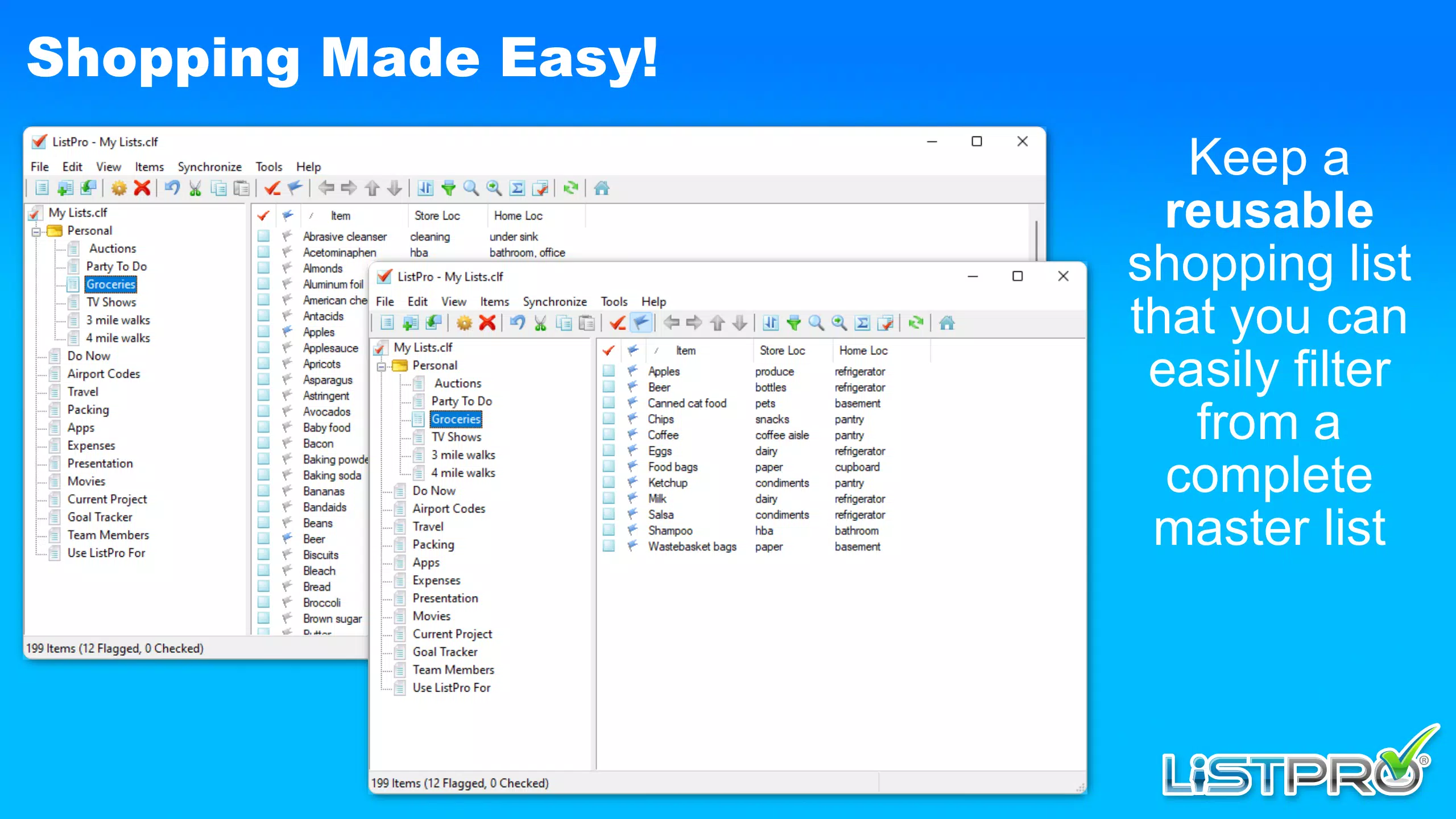
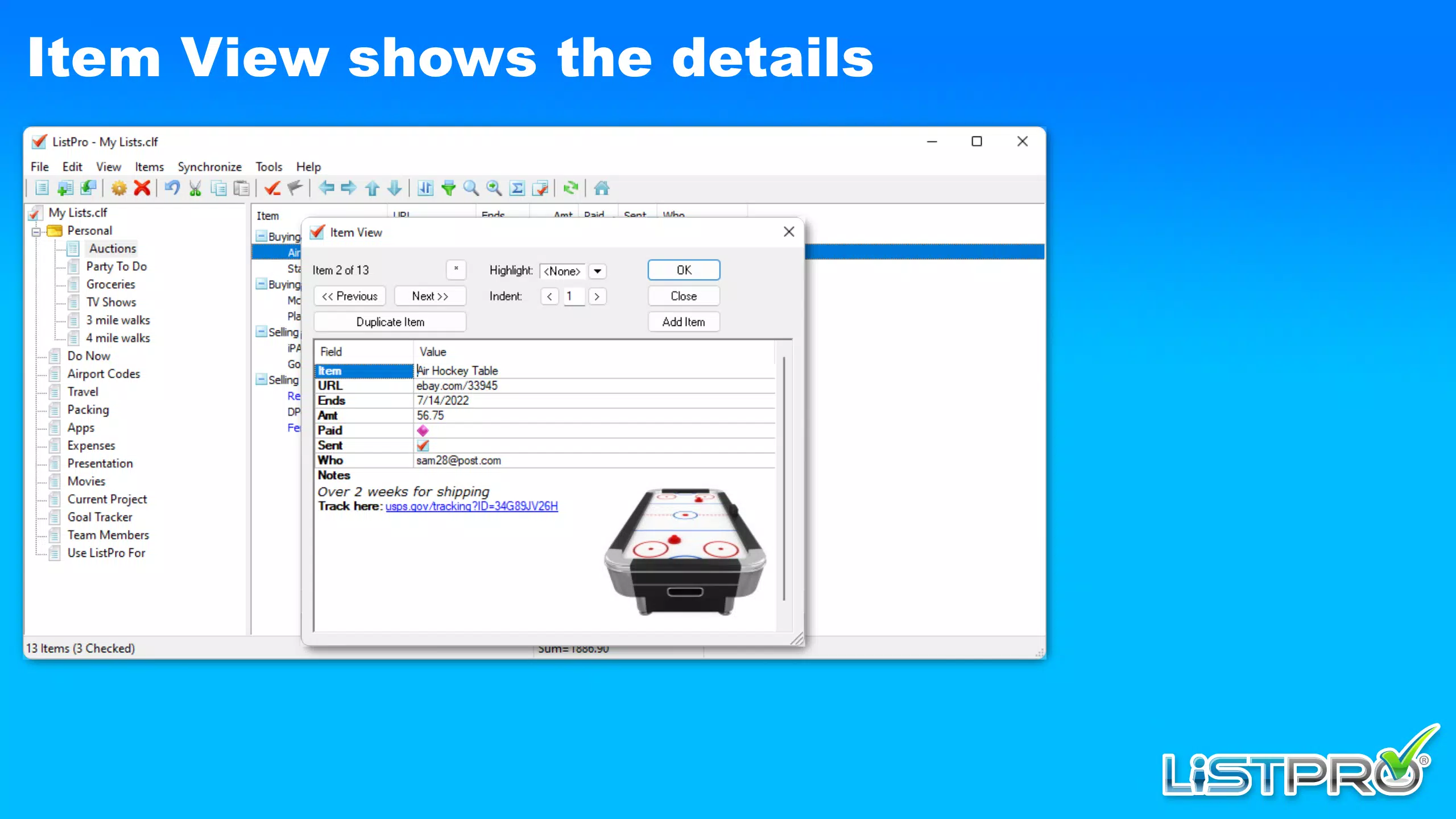
- Multiple Column Types: The app supports seven distinct column types, including text, number, checkbox, date, dropdown, URL, and status. This allows for precise data structuring, making it suitable for managing complex information such as task deadlines, team assignments, or inventory logs. Users can tailor columns to reflect real-world data requirements.
- List Exchange Access: A standout feature, the List Exchange provides access to hundreds of user-created lists. These include study guides, event checklists, travel itineraries, and workflow templates. This community-driven resource empowers users to begin projects immediately, leveraging proven formats from others.
- User-Friendly Experience: Designed with intuitive navigation, ListPro minimizes the learning curve. Even users with limited technical experience can quickly create and edit lists. The clean interface prioritizes accessibility, reducing cognitive load and making organization less overwhelming.
- 30-Day Free Trial: Full access to all features is available for 30 days without cost. This trial period allows users to test the app’s capabilities across different scenarios, evaluate its performance, and determine long-term suitability before purchasing.
Interface, UX & Performance
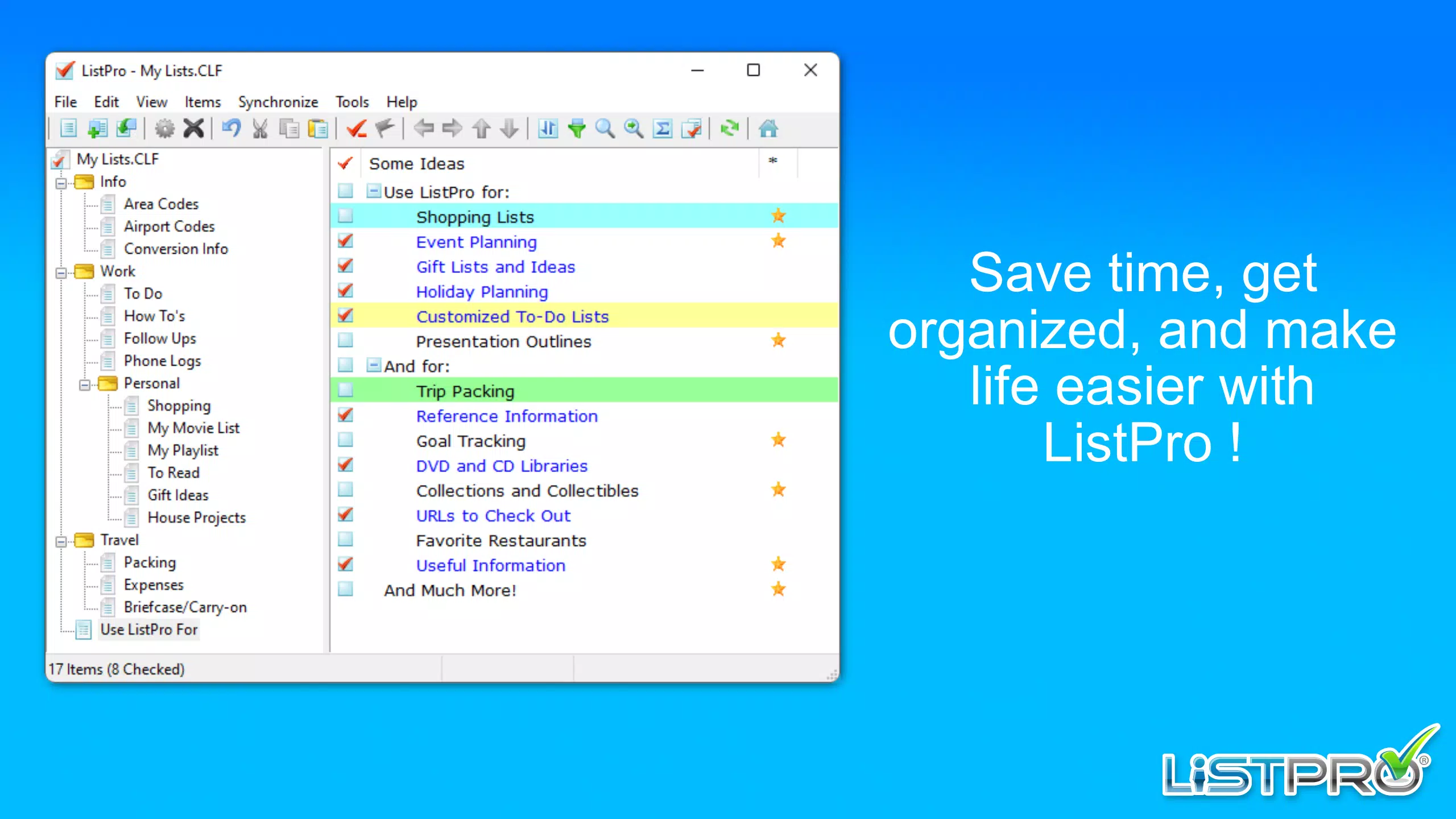
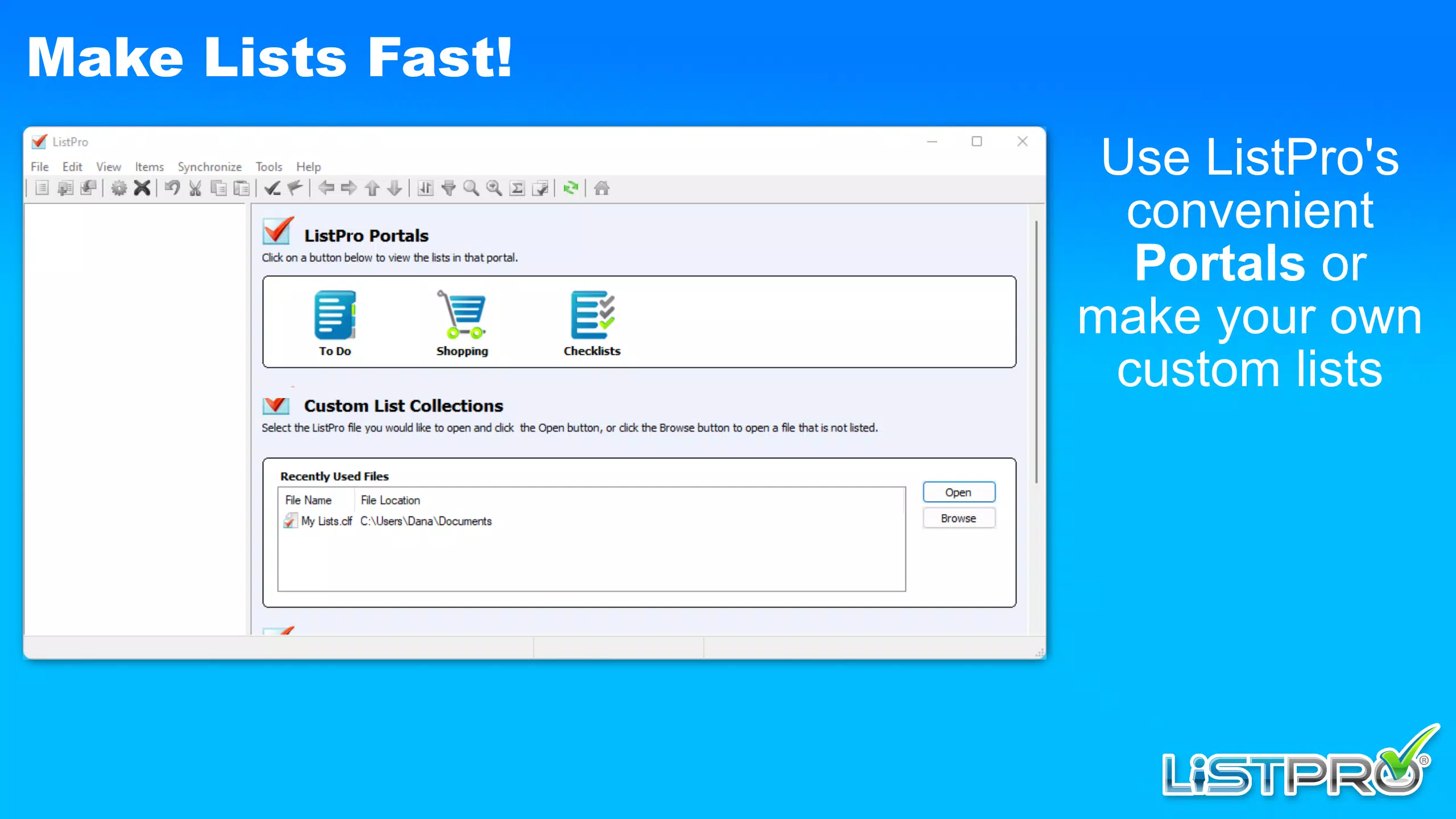
ListPro for Windows features a clean, modern interface with a focus on usability and visual clarity. The layout is organized around a central list workspace, with sidebar navigation for templates, lists, and the List Exchange. Color-coded sections and intuitive icons enhance readability and navigation.
Users can easily switch between lists, apply filters, and customize views without complex steps. The app supports responsive behavior across different screen sizes, ensuring consistent usability on both standard monitors and high-resolution displays. Although the developer did not list formal performance metrics, the interface operates smoothly during routine tasks such as list creation, editing, and data entry.
Stability appears to be maintained during extended use, with no reported issues in the available documentation. The app does not display excessive lag or crashes during standard operations, suggesting solid foundational performance. However, specific system requirements or compatibility details were not disclosed, so users should verify device suitability before installation.
Platform Compatibility & Technical Requirements
ListPro for Windows is available for the Windows operating system. The software is designed to run on modern Windows environments, though the developer did not specify the minimum OS version or exact system requirements. The file size is listed as 120 MB, which is relatively compact for a productivity application with extensive features.
Users should ensure their system meets general Windows compatibility standards for smooth operation. The app does not appear to require high-end hardware, making it accessible to a broad range of users. Specific compatibility details for older Windows versions or alternative platforms were not provided.
Therefore, users are advised to consult official sources for the latest installation guidelines. The absence of information about cross-platform availability limits the app’s reach to Windows-only users.
Pros and Cons
Pros
- Over 40 customizable templates for diverse use cases
- Seven column types for advanced data structuring
- Access to a community-driven List Exchange with hundreds of shared lists
- Intuitive interface suitable for users of all experience levels
- 30-day free trial with full feature access
Cons
- Developer did not provide detailed system requirements
- Platform availability limited to Windows only
- Compatibility with older Windows versions was not specified
- No information on cloud sync or multi-device support
- File size may be larger than expected for lightweight tools
FAQ
Is ListPro for Windows free to download?
Yes, ListPro for Windows offers a 30-day free trial with full access to all features. After the trial, users must purchase a license to continue using the software.
Can I use ListPro on multiple devices?
The developer did not specify whether the app supports multi-device synchronization or cross-platform use. Currently, the app is available only for Windows.
Is my data secure when using ListPro?
ListPro does not provide public details about data encryption or cloud storage practices. Users should review the privacy policy and terms of service for information on data handling.
How do I access the List Exchange?
Once installed, users can access the List Exchange directly from the app’s main menu. It provides a searchable library of user-created lists for immediate use or customization.
What should I do if the app crashes during use?
If ListPro for Windows experiences instability, users should ensure they are running the latest version. For persistent issues, contacting the developer’s support team is recommended.
Final Thoughts
ListPro for Windows stands out as a powerful, flexible tool for anyone looking to enhance their organizational efficiency. Its blend of customizable templates, advanced column types, and community-driven list sharing creates a dynamic environment for both personal and professional use. The 30-day free trial allows users to explore its full potential risk-free.
While the app’s Windows-only availability and lack of detailed technical specifications may limit some users, its intuitive design and robust feature set make it a strong contender in the productivity space. For students, freelancers, and team leaders seeking a reliable, adaptable list-making solution, ListPro offers tangible value. Download ListPro now to transform how you manage tasks, projects, and daily workflows.
Download ListPro for Windows now


